
Setting up WhatsApp Business in Tunisia
Make your business number and store information clear.

Make your business number and store information clear.
Practical steps
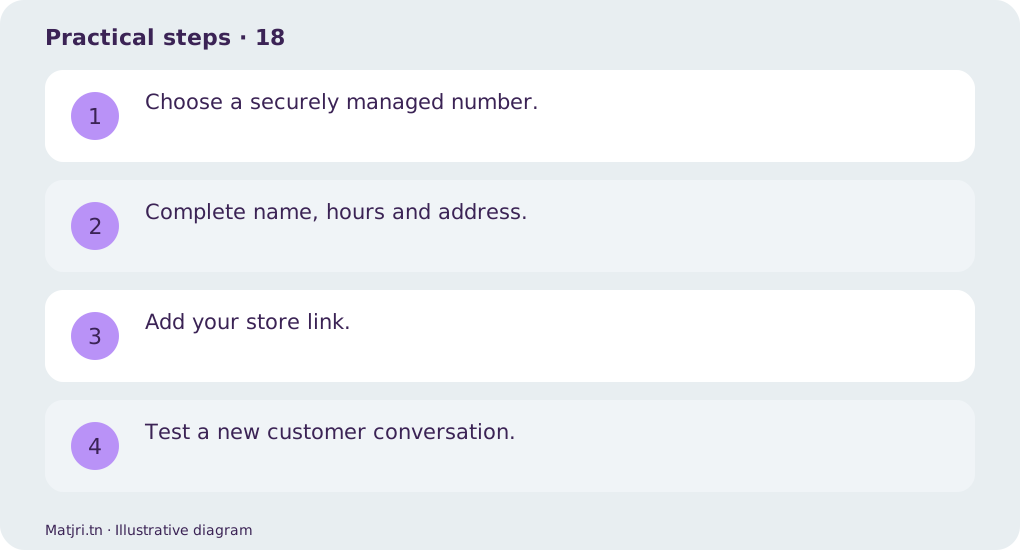
- Choose a securely managed number.
- Complete name, hours and address.
- Add your store link.
- Test a new customer conversation.
Worked example
State real support hours and an away message explaining when follow-up will happen.
Mistake to avoid
Response hours are not delivery lead times.
Working checklist
Assign a next action to each conversation: answer, confirmation or recorded order. Check name, product, amount and address before sending prepared messages. Use the order reference to connect the conversation to store records; chat should not be the only evidence of payment or delivery. Review open follow-ups each morning and evening to prevent forgotten customers and repeated calls.
Common question
Should I use my personal number?
An organised business number makes team access easier to manage.
Put it into practice
Create your store on Matjri, prepare the information needed for this guide and test the result as a customer on your phone before sharing the link. Edit photos, descriptions and options and manage orders from your store dashboard.
Sources and further reading
Editorial review: 11 October 2026. Calculations are illustrative; tools and fees may vary by account and supplier.